


01How it works
Both use the AI coding tool you picked in setup — Claude Code, Codex or Cursor.
1
PR descriptions
When you create or update a PR, AI reads the issue, the commits and the changes, and fills the summary and change list of the PR type’s template.
2
Run a review
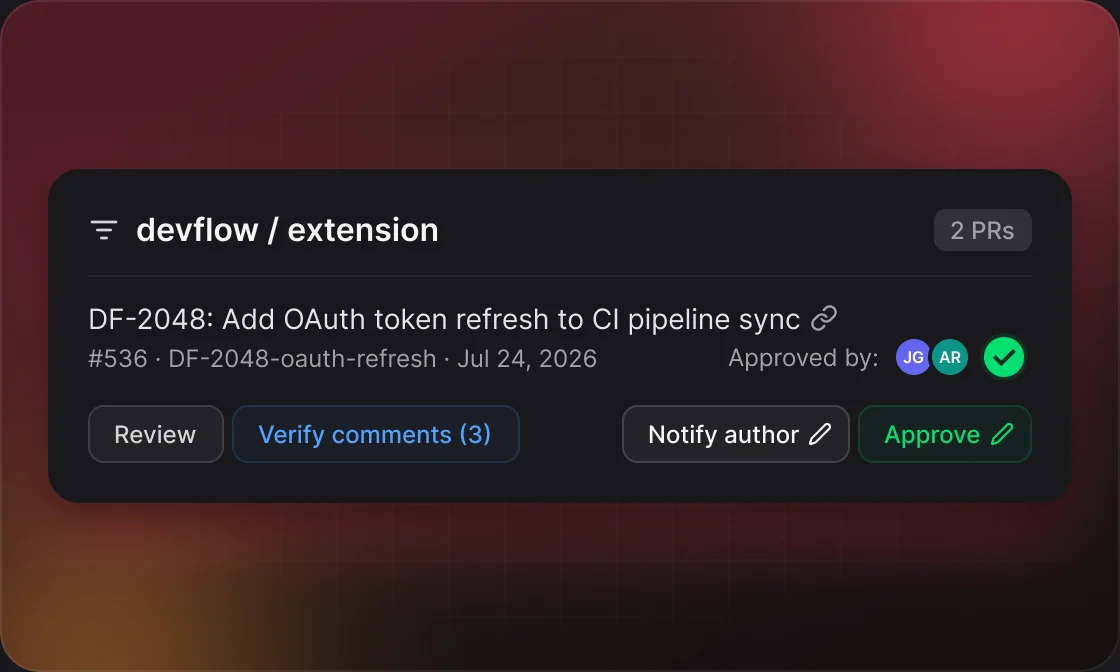
On a Jira board, the AI Code Review card lists the PRs waiting for you. Click Review — it usually takes 1–3 minutes.
3
Check and publish
Each comment has a severity, from BLOCKER to LOW. Delete the weak ones, then click Publish comments on GitHub or Publish Drafts (N) on GitLab.
4
Verify after fixes
Verify comments looks at the author’s changes and replies, says what’s still missing and resolves what’s done.
02Settings
Set per repository in Settings → Git → AI Automations.
GROUPWHAT YOU SETDEFAULT
AI PR GenerationRules for the PR title and description, the language and the model.Provider default model
AI Code ReviewReview rules, the language and the model.Provider default model
Your own rules take priority over DevFlow’s built-in instructions.
03Good to know
It runs on your computer
DevFlow Desktop starts your AI tool with your own account. Your code and credentials never pass through a DevFlow server.
The review card is on the board
AI Code Review appears on a Jira board page, not on an issue page. Switch to Self Review to check your own PRs first.
GitHub waits, GitLab doesn’t
On GitHub, comments form a pending review only you can see. On GitLab they’re posted at once as threads marked “DRAFT” that the author can already read.
It can read the whole codebase
With a local path, the review can read the whole PR branch, not just the changes. With Cursor, or for PRs from forks, it reviews the diff only.
Some files are left out
Lock files, generated output and files with too many changed lines are skipped. DevFlow asks before reviewing the rest.
04Example
09:30Reviewer clicks Review on #412 in the AI Code Review card
09:323 comments are saved as a pending review, one marked HIGH
09:40The reviewer checks them and publishes the comments